
















01
Find anything in two keys
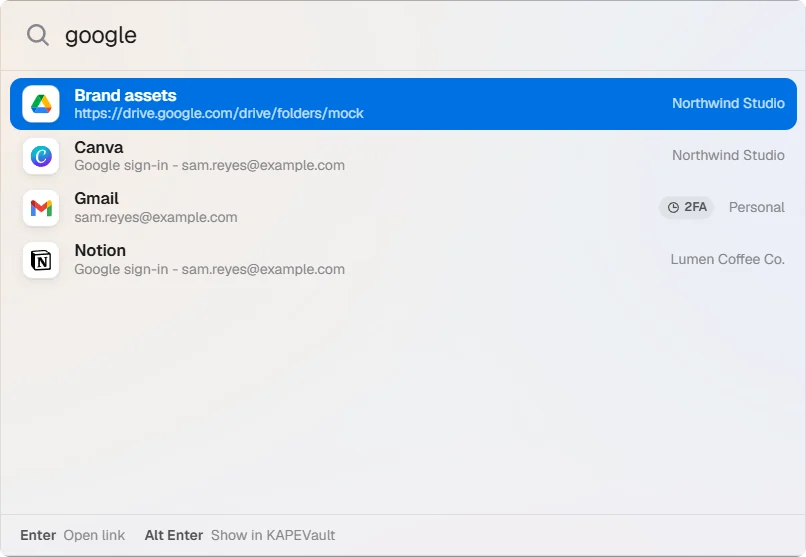
Press Ctrl+Shift+Space in any app, type a few letters, hit Enter. The password is copied and clears in 30 seconds.
Passwords, 2FA codes, notes and file links in one encrypted vault. Your PC and your phone stay in sync through storage you own, with nobody in the middle.
One vault, one search box. Each item picks up its brand logo on its own.
01
Press Ctrl+Shift+Space in any app, type a few letters, hit Enter. The password is copied and clears in 30 seconds.
02
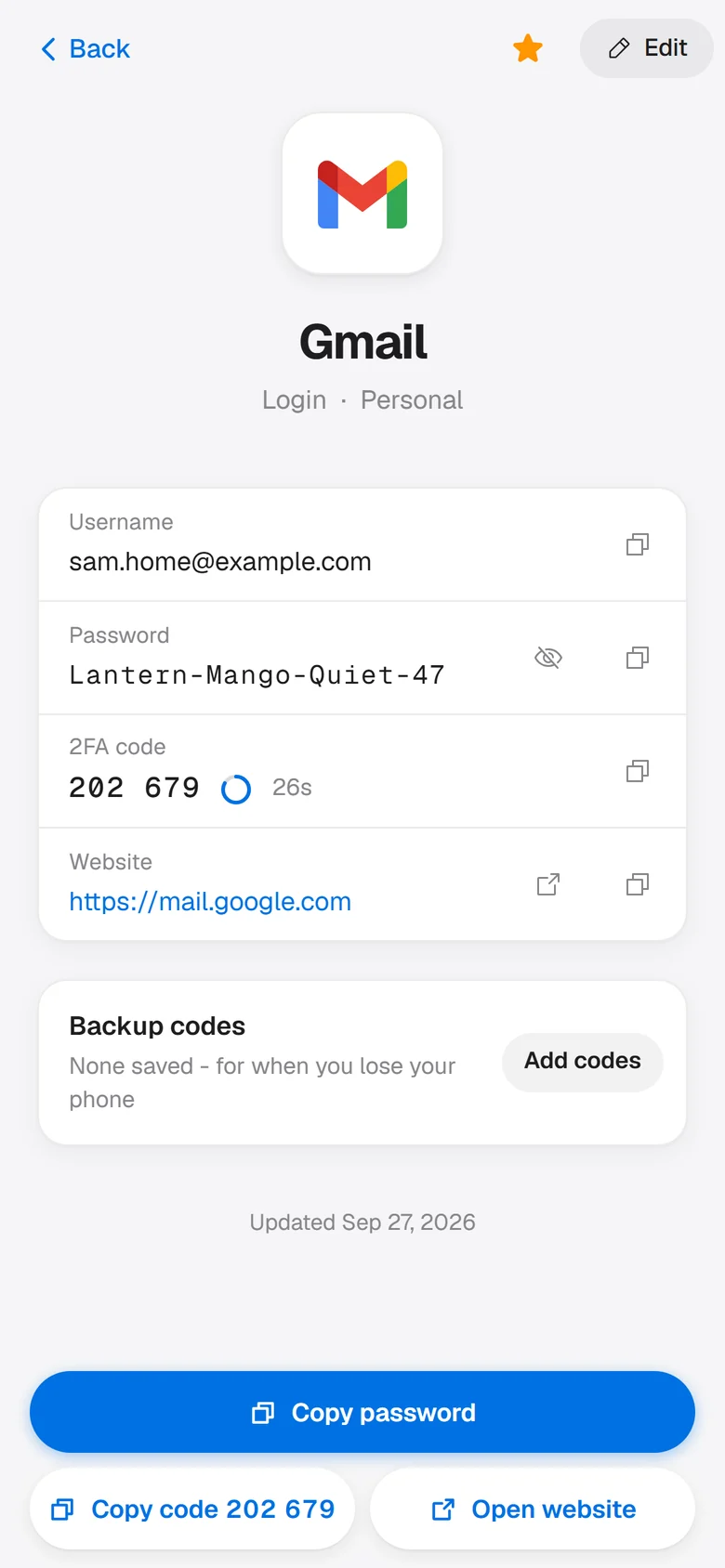
Scan the QR code or paste the setup key. The six-digit code sits beside the password.
03
Passport, PhilSys, UMID, TIN and more. The number stays hidden until you reveal it, and an optional photo of the card stays encrypted.
04
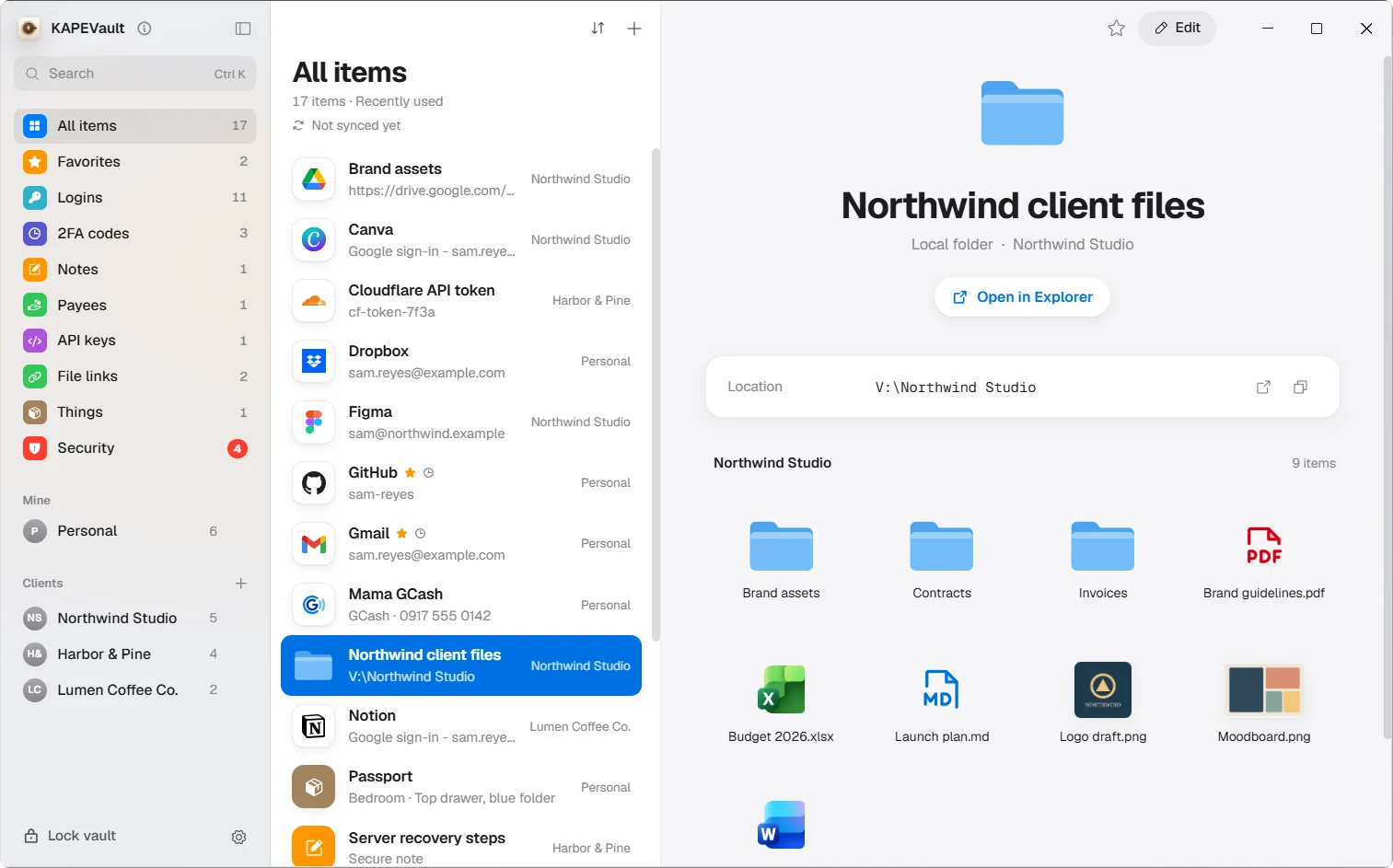
Link a folder and browse it inside the vault. PDFs, images, video and Markdown open in a preview.
05
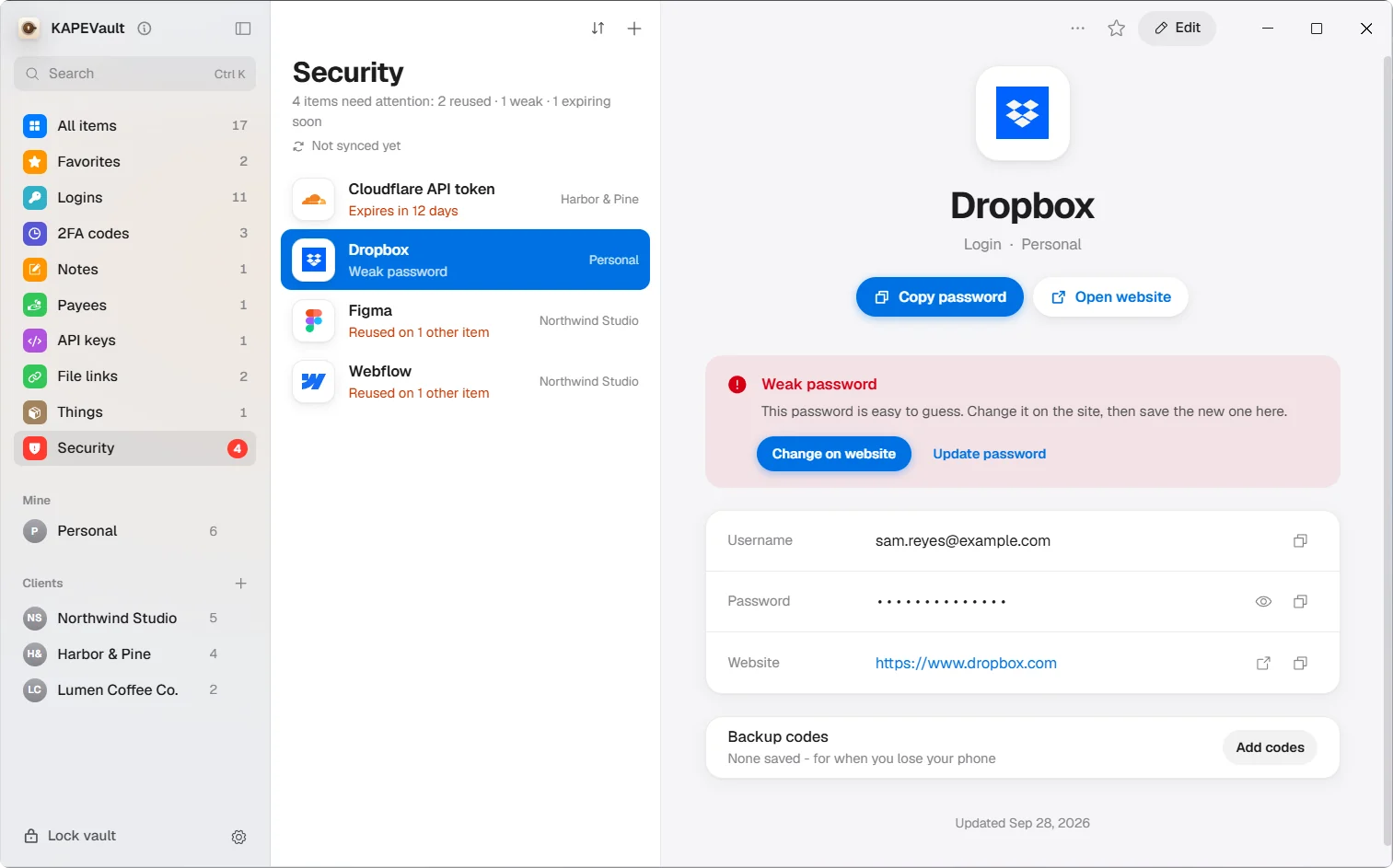
Flags weak, reused and year-old passwords, and API keys near expiry. A strong new one is a click away.
06
Point your PC at a OneDrive, Google Drive or Dropbox folder and every save lands there, still sealed. Your Emergency Kit can carry a QR to your R2 backup.
Type anything. This is the AES-256-GCM seal KAPEVault uses, running in your browser. Nothing leaves this page.
What you type
What gets stored
AES-256-GCM · fresh 12-byte IV ... · same text, new noise every time. The app derives its key with scrypt; this page uses PBKDF2.
PC and phone
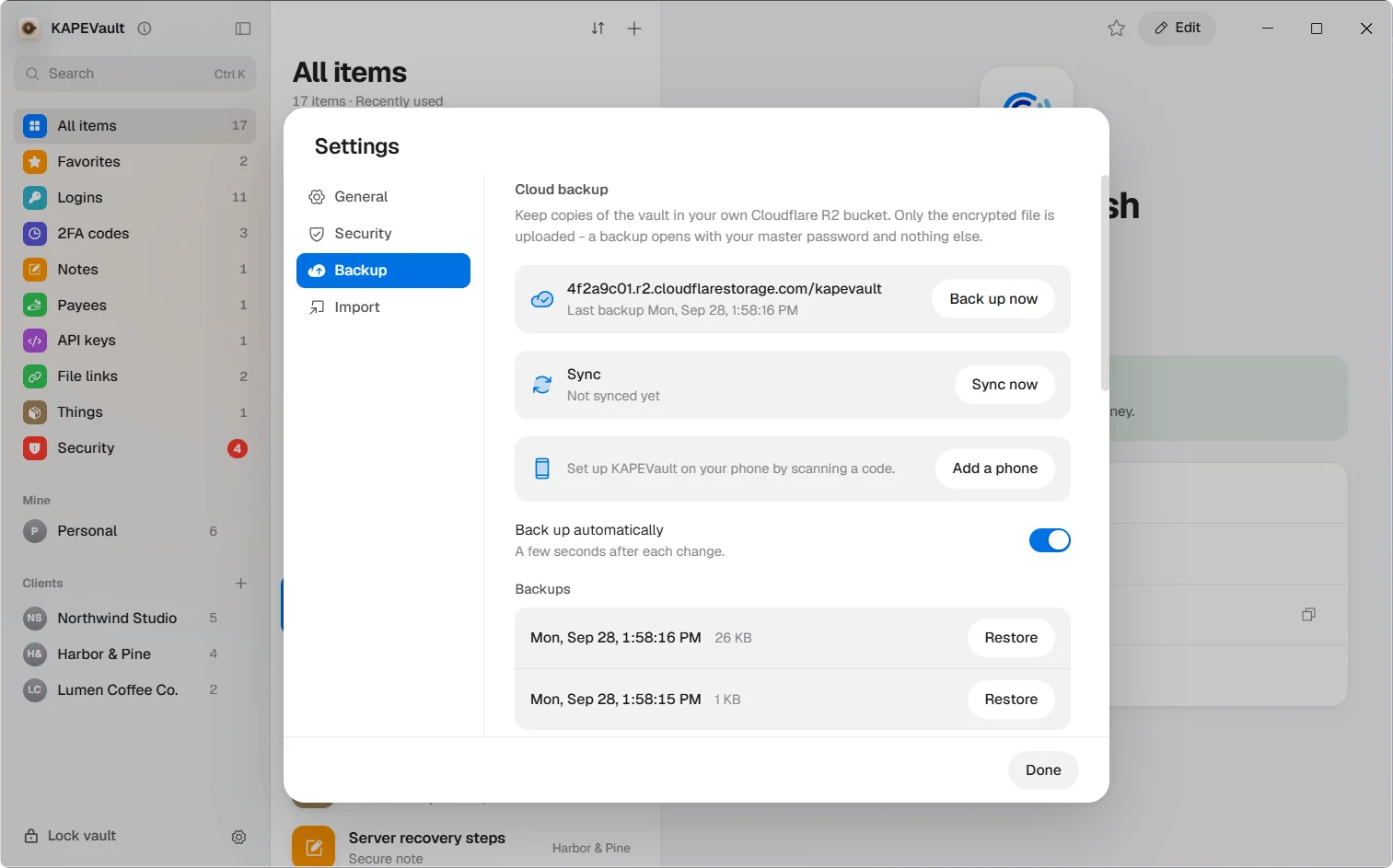
Each device seals its copy, then syncs it through a Cloudflare R2 bucket you own. No KAPEVault server to leak, sell or shut down.
How it stays lockedOn your PC: Settings, Backup, Add a phone. Scan the code with the app.
Set it once, then open the vault with a touch.
Changes merge item by item. Old passwords stay in history on both.
Security
Your master password becomes a key through scrypt, and AES-256-GCM seals the whole vault on your device. Only the sealed file is backed up.
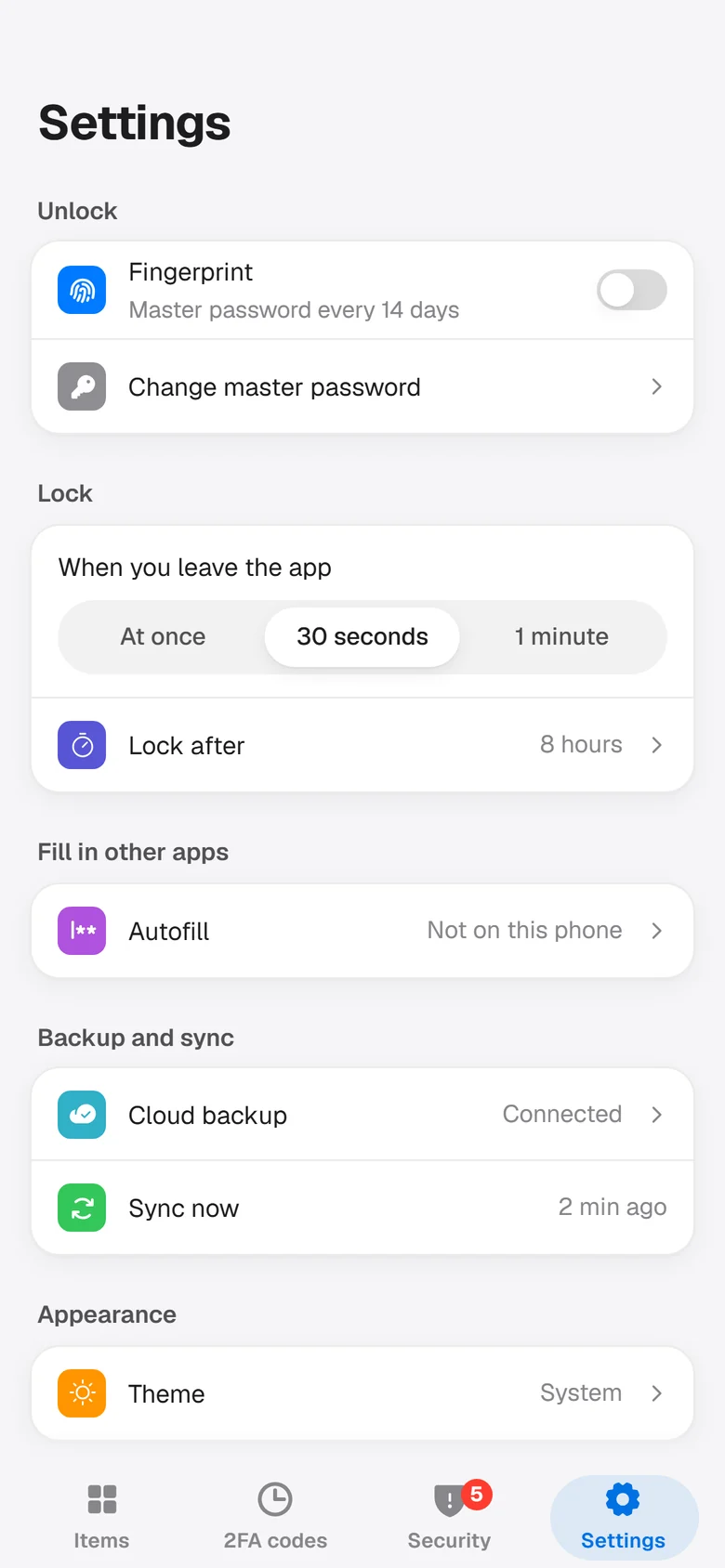
Unlock with your face, finger or PIN.
PC: after 5 minutes with no keyboard or mouse use, on sleep or Windows lock. Phone: when you leave the app.
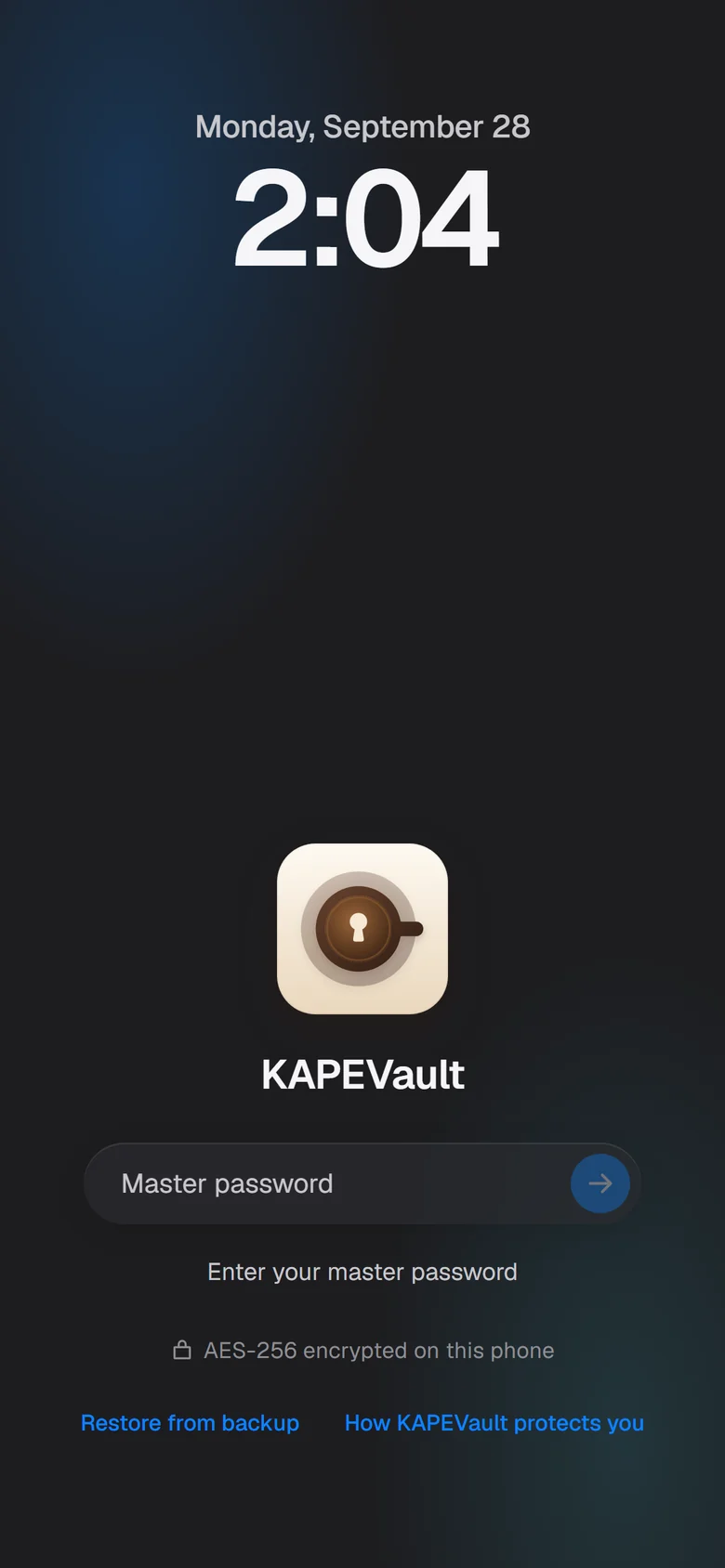
PC: after 30 s, on lock and on quit. Phone: within a minute, usually 30 s, and on lock.
One switch has Windows Firewall block the app. Encrypted backups still reach your bucket.
A password reaches the screen only when you reveal it.
A printable page with everything needed to recover.
Quick search, tray, Windows Hello.
Fingerprint unlock, 2FA codes, sync.
One HTML file opens your vault in any browser, even offline, even without KAPEVault.
Two apps, one vault. Start on either and add the other later.
The short answers
KAPEVault
Answers from the Docs
What is KAPEVault?
An encrypted password vault for Windows and Android. It stores passwords, 2FA codes, IDs, secure notes, API keys and file links in one encrypted file on your device.
Where does my vault live?
In one encrypted file on your device. Nothing about it is stored on a KAPEVault server, because there is none.
How is the vault encrypted?
Your master password is turned into a key with scrypt, and the whole vault is sealed with AES-256-GCM before it is written or uploaded.
Do I need the cloud at all?
No. KAPEVault works fully offline. Connecting your own Cloudflare R2 bucket adds backups and phone sync.
What gets uploaded when I sync?
The sealed vault file, encrypted on your device before it leaves, and the Forever Opener page, which holds no vault data. Backup names hold a random install ID and the time, nothing about you.
What if I forget my master password?
Nobody can reset or recover it, including us. Print the Emergency Kit and keep it somewhere safe.
I lost both my devices. Now what?
Install KAPEVault, pick your vault file or scan the QR on your Emergency Kit, then type your master password. Your PC can keep that file in a OneDrive, Google Drive or Dropbox folder for you.
Can I store my IDs?
Yes. Pick the type, from Passport and PhilSys to PRC license, or name your own. The number stays hidden like a password, the optional photo stays encrypted until you tap Show photo, and IDs never show up in autofill.
Can I open my vault without the app?
Yes. The Forever Opener is a single HTML file that decrypts your vault in any browser, with no network.
Is it on iPhone or Mac?
Windows and Android today. iPhone and Mac are on the list.